AI Hotel Lobby
Video Generator
Turn two photos into your own duo performance with the AI Hotel Lobby Video Generator.
Clear face · JPG/PNG/WebP · max 4 MB each
Original music included
Photo Tips for the AI Hotel Lobby Video Generator
Upload two clear adult portraits with good lighting and visible faces to help the model recognize each person.
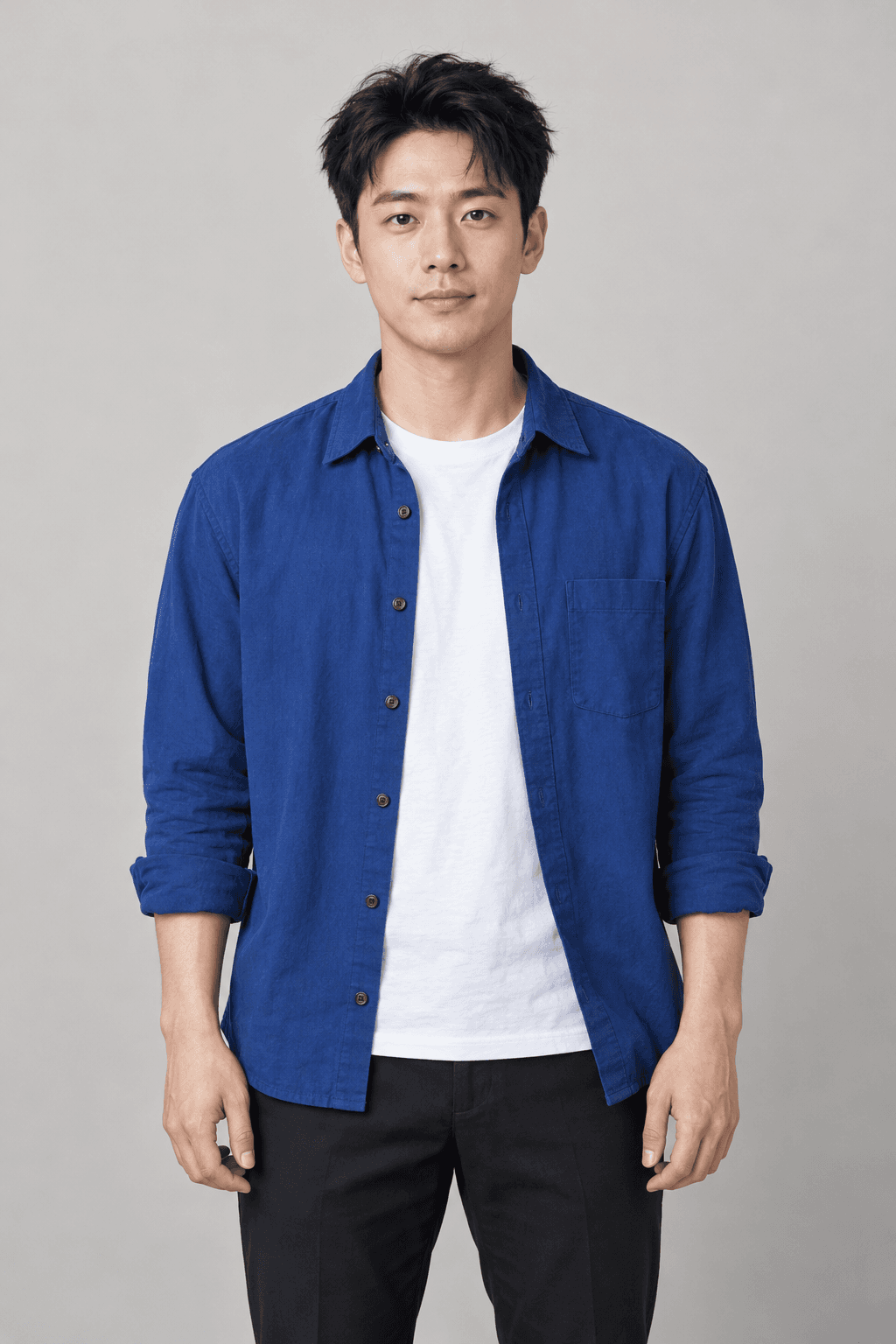
Left performer
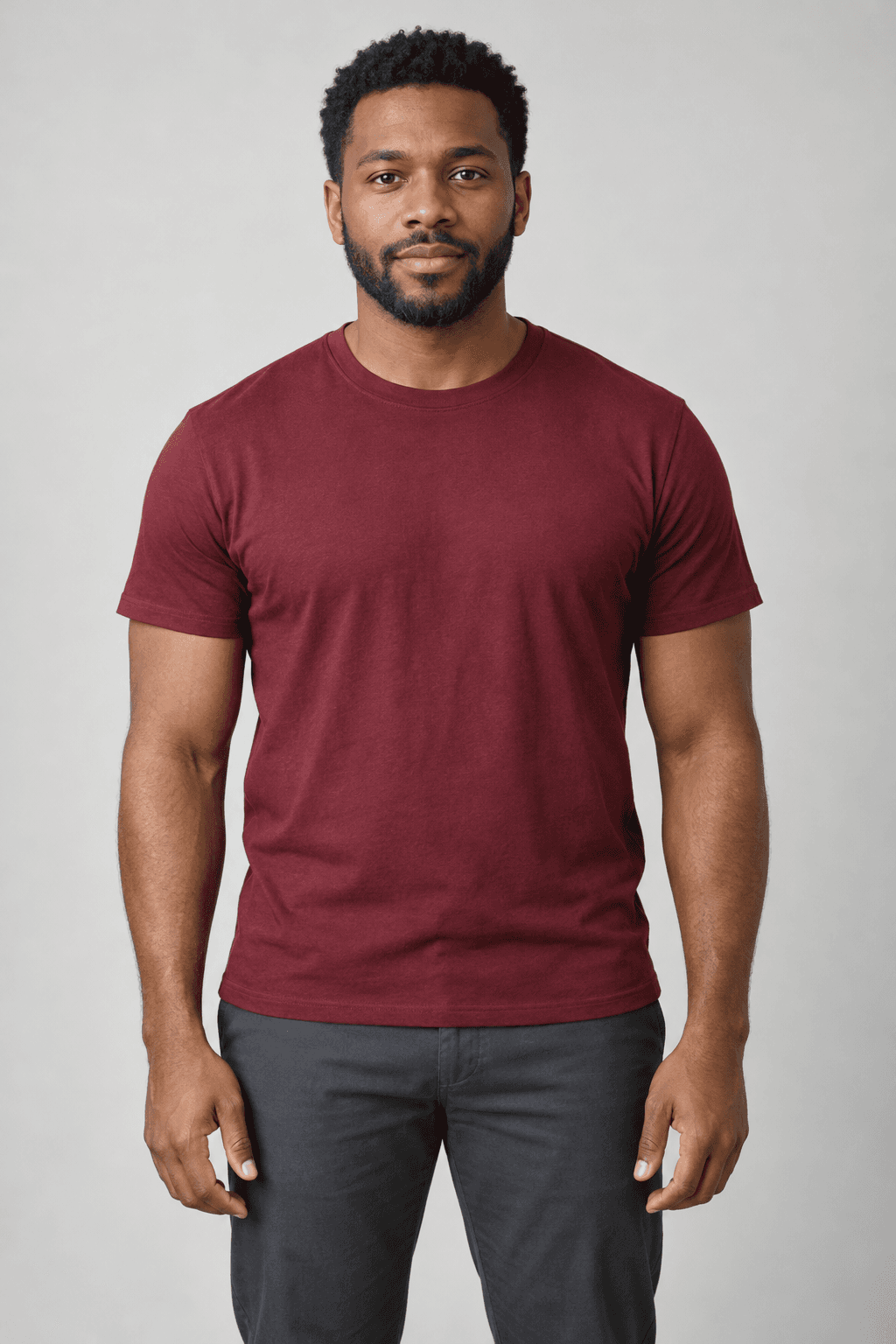
Right performer
One adult in each photo
Use a separate portrait for each role, with the face large enough to see clearly.
Bright light, an open view
Choose a sharp photo without heavy shadows, sunglasses or anything covering the face.
Keep the look natural
A front-facing or slight three-quarter portrait is a useful starting point. Avoid heavy filters.
Use photos with permission
Upload your own photos or portraits you have permission to use. JPG, PNG and WebP up to 4 MB each.
Why choose the AI Hotel Lobby Video Generator?
The orange studio, the hanging microphone and a familiar performance — with your people taking the stage.
Recreate the Hotel Lobby Performance
The full reference guides gestures, interaction and camera changes, keeping the wider two-person composition.
Turn Two Photos into an AI Video
Choose a separate photo for each side. Swap the roles before you start to build the duo you have in mind.
Original Hotel Lobby Music Included
Your finished video comes with the reference music. No separate audio editor or manual syncing needed.
AI Hotel Lobby Videos for Your Favorite Duo
Use the AI Hotel Lobby Video Generator to create a duo performance with a friend, partner or adult family member.
Best friends
Give your friendship a shared spotlight with a playful two-person performance.
- Choose your left and right roles
- Make something to send each other
Couples
Create a small surprise together, or turn two favorite portraits into a duo moment.
- A personal twist on the scene
- No filming session needed
Siblings & family
Bring two adult family members into the same scene, even if the photos were taken separately.
- Two separate portraits
- One shared performance
Social creators
Try a recognizable video idea and bring your own people and style into the frame.
- Download an MP4 with music
- Preview before you share
AI Hotel Lobby Video Generator FAQ
What is the AI Hotel Lobby video effect?
It puts two people from your photos into a video inspired by the Hotel Lobby performance. The fixed reference guides movement, camera cuts and the orange studio scene.
What kind of photos should I use?
Use one clear adult portrait per slot, with good lighting and an unobstructed face. Upload JPG, PNG or WebP files up to 4 MB each, and only use photos you have permission to use.
Can I choose which person is on each side?
Yes. The left photo is assigned to the left performer, and the right photo to the right performer. Use Swap before generating to switch their roles.
How long is the video, and what format do I get?
New videos follow the full 15-second reference, in its original landscape composition, with 480p generation and original music. Duration can vary slightly. The example shown is a shorter preview.
Will the faces, gestures and lip movements match exactly?
The reference guides the performance, but AI results can vary. Face likeness, body proportions, gestures and lip movements may differ. Preview the finished result before sharing.
How long does generation take?
Photo review and generation can take several minutes, depending on the provider queue. After a task ID appears, you can return later to restore the task. The moving progress bar is an estimate.
Do I need a separate subscription or video pack?
Each video costs 80 site credits. Use any valid subscription, top-up, trial or check-in credits. No separate Hotel Lobby pack is required, and you confirm the cost before generating.
What happens if a task fails?
Eligible credits return to their original wallets if photo review, generation or video processing fails. Expired bonus or trial credits do not become valid again. An uncertain submission stays reserved until verified; contact support with the task ID.
Create Your
AI Hotel Lobby Video
Choose two portraits and let the AI Hotel Lobby Video Generator bring your duo to the stage, with the original music included.
Choose your duoTwo photos · original music included